



The Maker Studio is a collection of crafting technology available for anyone to complete projects at low cost. Users are charged for the cost of materials.
The studio is available during operating hours by appointment only. To make an appointment, please call the Library at (419) 433-5009. Appointments for lab sessions are subject to availability and may be limited to 2 hours when there is high demand. Our Technology labs are made possible by the support of the Friends of Huron Public Library.
Software
Software
- Cricut Design Space
- Glowforge Premium
- Inkscape
Equipment
Equipment
- Button Maker
- Cricut Maker 4
- Cricut EasyPress (9”x9”)
- 3D Printer (Staff operates machine)
- Glowforge Laser Printer (Staff operates machine)
3D Printing
3D Printing
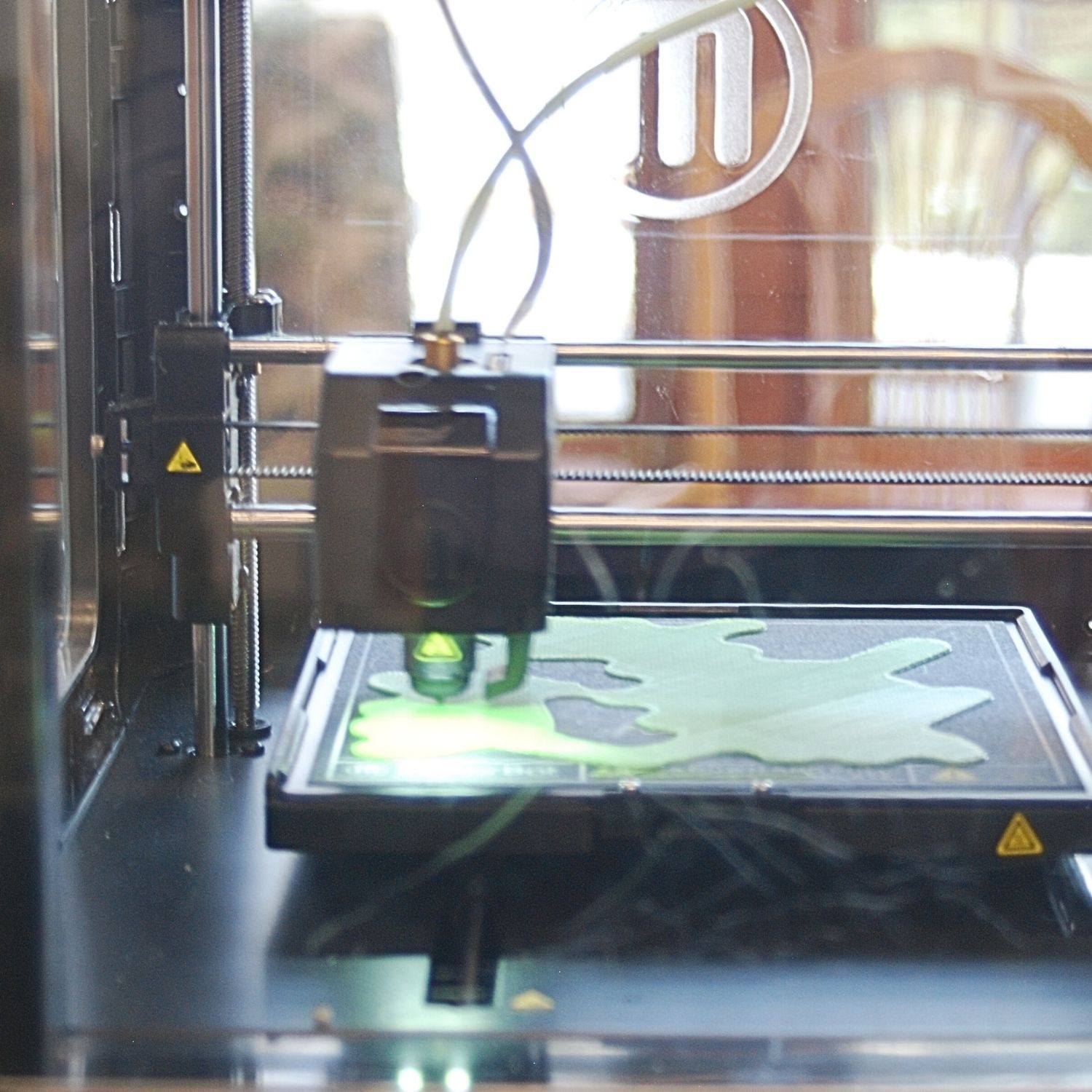
Steps to 3D Printing at HPL
- Create a 3D design in a CAD program or find one online.
- Save your design in .STL file format and send it as an attachment to huron@huronlibrary.org.
- Come to the Library!
- You will be directed to fill out a user agreement and asked to make a $10 deposit toward the cost of your print.
- HPL staff will print your design on the color filament you choose.
- Pick up your completed 3D print and your flash drive. If your print costs more than $10, you will pay the balance. If it costs less than $10, you will be refunded the difference.
3D Printing Guidelines
- A 3D Printing User Agreement must be signed before 3D printing can begin- children under 18 must have a guardian’s permission.
Materials
- Projects are printed on library-provided filament at cost.
- Our filament is PLA (Polylactic Acid). Please notes that PLA will melt in the car.
Cost
- Those without a library card must make a $10.00 deposit on the project prior to printing. The amount not used will be returned at the time of pickup.
- Bill must be paid in full before the project is released.
- Current filament offerings (Price 10c per gram of completed print):
- grey, green, red, yellow, orange, blue, pink, purple, turquoise, white marble, gold sparkle, frosted bronze, light wood, glow in the dark, clear
Design
- HPL staff will not make edits to your design. Designs must be completed when brought in to print.
- Designs must be sent as an attachment to huron@huronlibrary.org and .STL format.
- The design must be no bigger than the build plate (150mm x 150mm x 150mm).
- Only one-color designs. No multi-color prints.
Laser Printing
Laser Printing
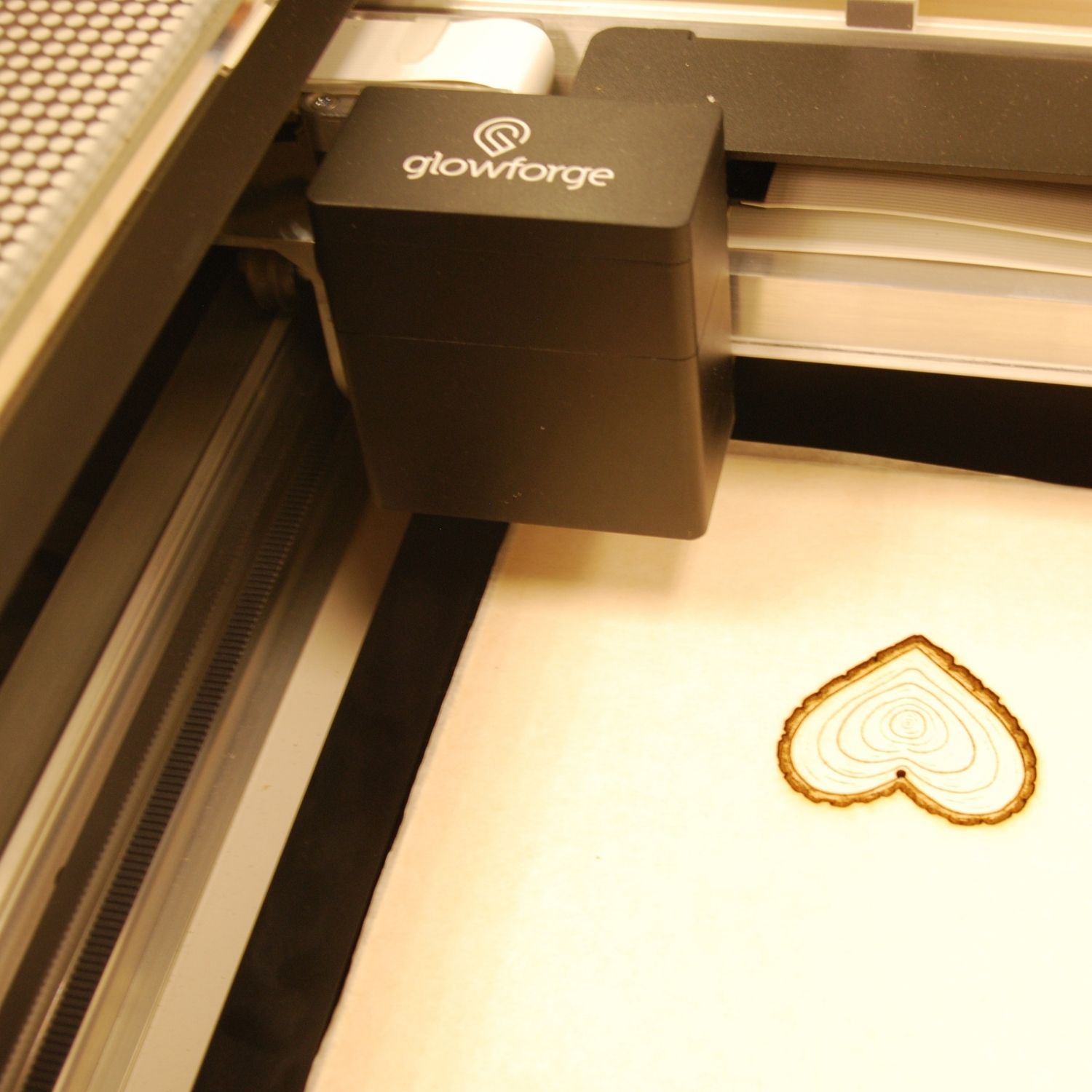
Steps to Laser Printing at HPL
- Create a design. If you would like to use the Cut or Score features of the laser printer, you must save your design as a vector image (.SVG, sometimes .PDF). Other file formats (.JPG, .PNG) can be engraved only.
- Make a Maker Studio appointment to use the Glowforge app at the Library. Enjoy access to Glowforge Premium, with a user-friendly design interface to make custom prints and a large catalogue of free, ready-to-print designs.
- Inkscape is a free program to design vector images – inkscape.org.
- Save your design in the appropriate file format and send it as an attachment to huron@huronlibrary.org.
- Come to the Library!
- You will be directed to fill out a user agreement with the details of your print. At this time, you will the provide your own material or pick out the library material you would like to use.
- HPL staff will print your design according to your specifications. You will be notified when your print is ready for pick up.
- If you would like to stay at the library while your design is printed, make a Maker Studio appointment to ensure that staff are available at your preferred time.
- Pay the cost of your project and pick up your completed print. Any leftover patron-provided materials will be returned at the time of pick up.
Laser Printing Guidelines
- A Laser Printing User Agreement must be signed before laser printing can begin – children under 18 must have a parent or guardian’s permission.
Materials
- Use our materials at cost or bring in your own materials to be printed at no cost.
- For prints that will use more than one sheet, user is required to bring their own materials.
- All materials must be proofgrade.
- Proofgrade is the brand of materials created by Glowforge with standardized quality and guaranteed to be compatible with their laser printing machines. These materials are required in order to protect the Library’s equipment, as using the wrong materials can cause damage to the printer.
- Proofgrade materials can be purchased at Michaels or from Glowforge.com.
- Our laser printer is not currently equipped to print on paper or non-flat materials.
Cost
- Those without a library card and using library materials must make a $10.00 deposit on the project prior to printing. The amount not used will be returned at the time of pickup.
- Bill must be paid in full before the project is released.
- Frequent material offerings (price per square inch used):
- Medium Acrylic (1/8”) – 9c
- Hardwood (1/4″) – 18c-25c
- Plywood (3/25”) – 13c
Design
- HPL staff will not make edits to your design. Designs must be completed when brought in to print. If staff has questions about your print, there are problems with your submitted files, or your print requires particularly complex set-up, you may be contacted and printing may be delayed.
- Designs must be sent as an attachment to huron@huronlibrary.org and in the correct format for the type of operation you would like the Glowforge to perform:
- Cut: .SVG or .PDF
- Engrave: .SVG, .PDF, .PNG, .JPG
- Score: .SVG or .PDF
- Multiple operations: .SVG or .PDF
- Complex designs that will require multiple types of operations must be saved as vectors in .SVG or .PDF format and color coded as follows. This will help library staff distinguish the different desired operations when setting up your print.
- Cut paths – red
- Engrave paths – blue
- Score – black